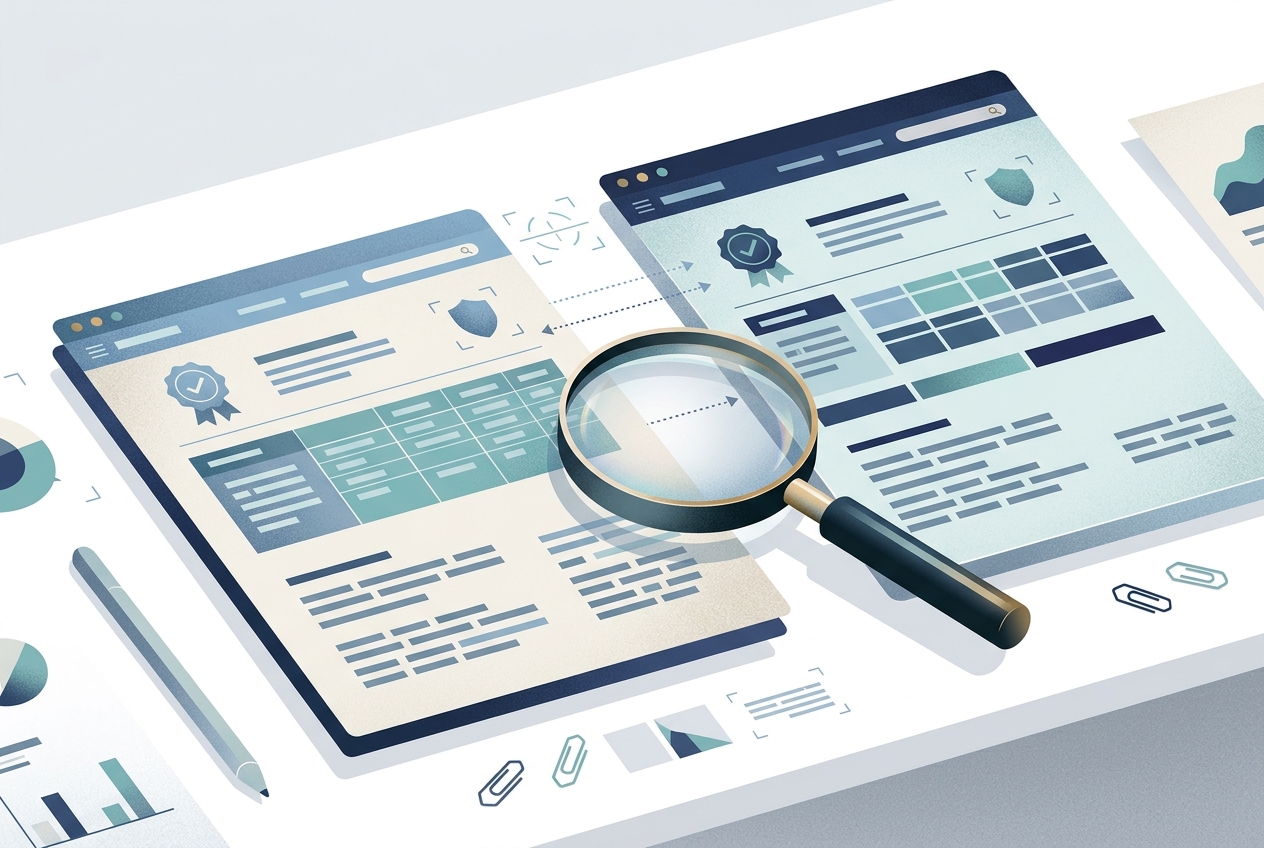
Two public US government resources can help readers locate medicine labeling: DailyMed and Drugs@FDA. They serve related but different purposes. Knowing which database you are looking at helps you understand what a document represents, without treating a search result as a personal medical recommendation.
What is DailyMed?
DailyMed is maintained by the US National Library of Medicine. It provides searchable labeling submitted by companies to the US Food and Drug Administration (FDA). Its collection includes prescription and nonprescription medicines as well as other regulated products. It is not a complete inventory of every regulated product.
The DailyMed overview explains that the library does not independently review the submitted labeling before posting it. A listing alone is therefore not proof that a particular product or its labeling has received FDA approval.
What is Drugs@FDA?
Drugs@FDA is an FDA database for locating information about approved products within its scope. It can provide approval history and FDA-approved labeling where available. It is particularly useful when the question concerns a regulatory approval record rather than simply locating a readable version of a label.
How the two resources differ
| Question | DailyMed | Drugs@FDA |
|---|---|---|
| Who maintains it? | National Library of Medicine | Food and Drug Administration |
| What is its main labeling focus? | Company-submitted labeling in use | FDA approval records and approved labeling where available |
| Does every listing establish approval? | No | Consult the specific approval record |
Why can the documents differ?
The FDA explains that a company may submit updated labeling that includes changes not yet approved by the agency. Consequently, a document in DailyMed may differ from the last approved version in Drugs@FDA. This is a distinction between regulatory document versions, not a basis for choosing one medicine over another.
See the FDA’s prescription drug labeling resources for its explanation of current and approved labeling.
How to locate a document
- Open the official database using the links above.
- Search using the product name shown on the document or packaging you are researching.
- Compare the identifying details in the result, such as the product name, strength, dosage form and company.
- Record the document date and database name alongside its link.
- If researching approval history, look for the corresponding Drugs@FDA record rather than relying on a DailyMed listing alone.
These steps describe information retrieval only. Similar names or matching search results do not establish that products are interchangeable.
What about FDALabel?
The FDA also provides FDALabel, a tool for searching labeling text. Its underlying labeling collection comes from DailyMed, although the search interface differs. Finding a document in both systems is not independent confirmation that FDA approved that document.
Keep the jurisdiction in mind
These resources concern US regulatory information. They do not establish whether a product is registered, marketed or available in Malaysia, Thailand or another country. For those questions, consult the relevant national regulator.
What to record when citing a label
A useful reference includes the database name, exact product title, document date if displayed, direct link and the date you accessed it. Keeping those details makes it easier to revisit the same record and distinguish it from another version. If a document is missing or its status is unclear, describe that limitation rather than assuming approval or availability.
General educational information, not personal medical advice. Official sources checked 26 November 2026. No individual medication choice, dose or treatment recommendation is provided.